Replace ONLY the main woman's face in the TARGET IMAGE with the face from the REFERENCE IMAGE
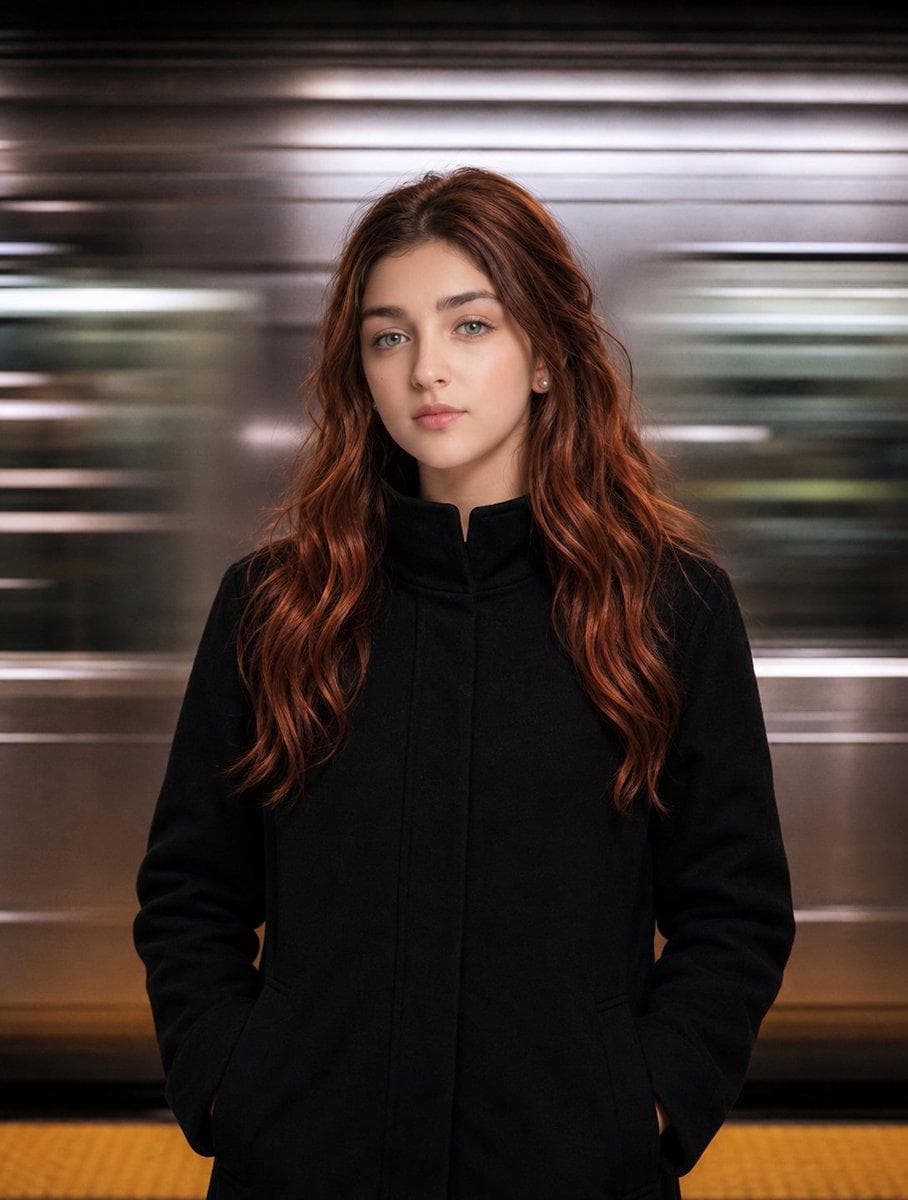
AI PHOTOGRAPHY PROMPT
Image: 1 Use the uploaded TARGET IMAGE as the exact master reference. Use the uploaded REFERENCE IMAGE only for the person's face and identity. Replace ONLY the main woman's face in the TARGET IMAGE with the face from the REFERENCE IMAGE. Preserve the reference person's recognizable facial features, eyes, nose, lips, face shape, skin texture and natural identity. IMPORTANT: - Remove the small reference/inset photo visible at the bottom-right corner completely. - Do NOT keep or recreate that inset image. - Do NOT change the main subject's body, pose, clothing, hair, background, lighting, camera angle, framing, composition, colors, shadows, or cinematic motion-blur effect. - Keep the black coat exactly the same. - Keep the long auburn/red hair exactly as it appears in the TARGET IMAGE. - Keep the subway/station background and horizontal motion blur exactly the same. - Keep the original image dimensions and overall composition. Only two changes are allowed: 1. Replace the main subject's face with the face from the REFERENCE IMAGE. 2. Completely remove the small inset/reference image from the bottom-right corner and naturally reconstruct that area to match the surrounding background. Everything else must remain absolutely unchanged. Photorealistic, seamless face integration, natural skin texture, accurate lighting and shadows, no identity drift, no extra objects, no redesign. Image: 2 Use the uploaded TARGET IMAGE as the exact master image. Use the uploaded REFERENCE IMAGE only for the person's identity. Replace ONLY the face of the main central person with the face from the reference image. The face must match the reference person's: - exact facial identity - facial structure - eyes, eyebrows, nose, lips and jawline - skin tone and natural facial details - beard/moustache exactly as shown in the reference - hairstyle, hairline, hair texture and hair shape exactly as shown in…
How to Use This Pose
Use this image as a visual pose reference when planning a photo. Preview the AI photography prompt above for the style. In the Posely app you get the full prompt and can generate this look with your own photo.